Adobe Premiere Essential
Hands-on Adobe Premiere certification focused on video editing, post-production, audio processing, and social media video workflows.
Hands-on Adobe Premiere certification focused on video editing, post-production, audio processing, and social media video workflows.
Certifications
Adobe Premiere Essential
This certification highlights my hands-on experience in video editing and post-production using Adobe Premiere.
Throughout the course, I worked on editing visual content for social media and digital platforms, focusing on delivering clear, engaging, and impactful video messages.
I developed a strong foundation in video editing workflows, from importing footage to final export, with an emphasis on storytelling, pacing, and audio-visual balance.
What I worked on
Understanding and customizing the Adobe Premiere interface
Setting up projects and importing media correctly
Choosing proper video settings and formats
Cutting, trimming, and arranging video clips professionally
Adding and editing audio files
Processing and improving audio quality for interviews
Creating transitions and animating images
Controlling video speed and reversing scenes
Editing short-form content such as reels
Integrating Photoshop assets and motion elements
Applying basic animations within Premiere
Color correction and basic color grading
Exporting videos for different platforms
Skills gained
Video editing · Adobe Premiere · Post-production · Audio editing · Color correction · Motion basics · Social media video · Visual storytelling
Certification details
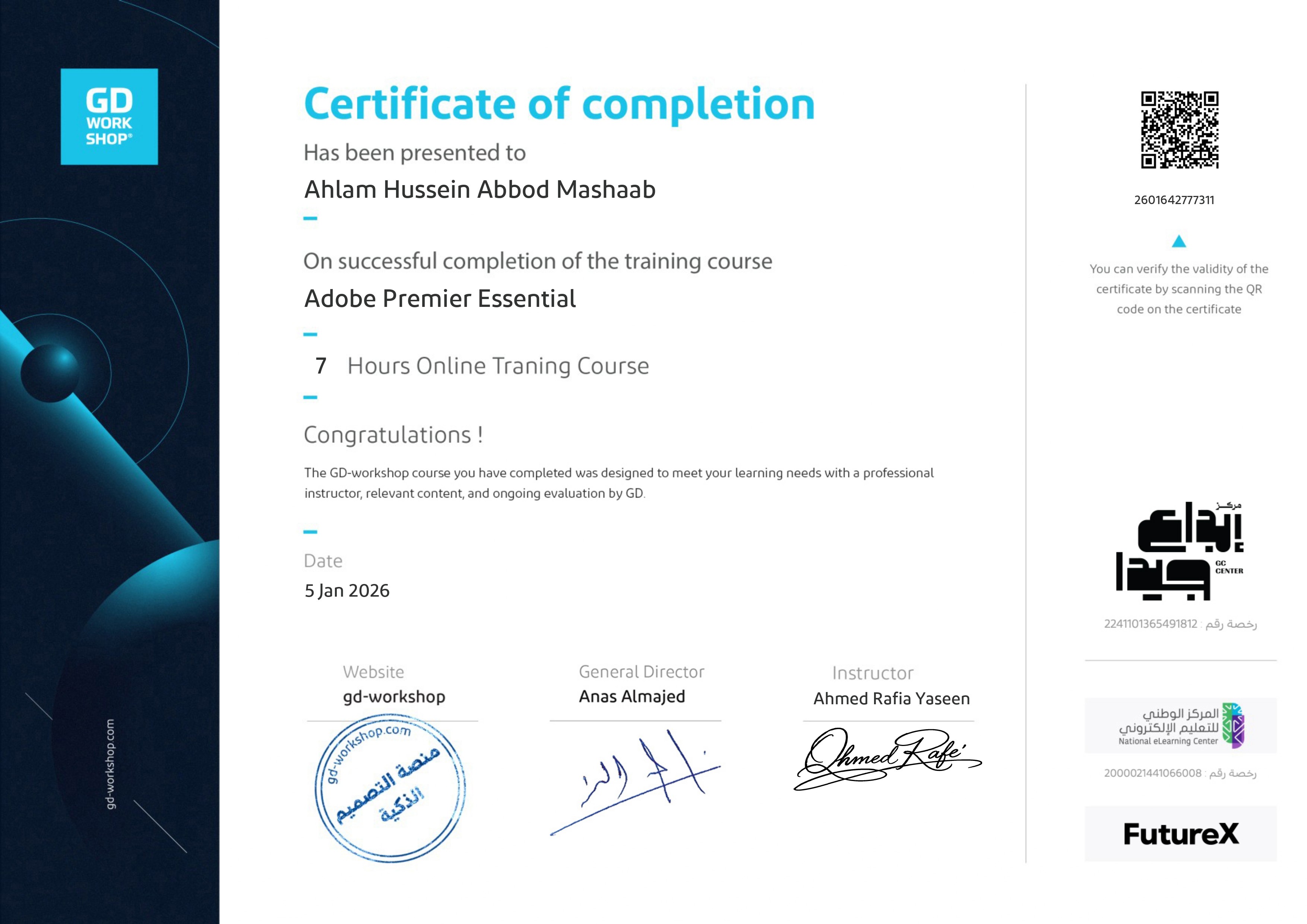
Adobe Premiere Essential
7 hours online training
Completed on January 5, 2026
Issued by GD Workshop
Certificate verification
This certificate is officially issued and verifiable.
Scan the QR code to verify its authenticity.